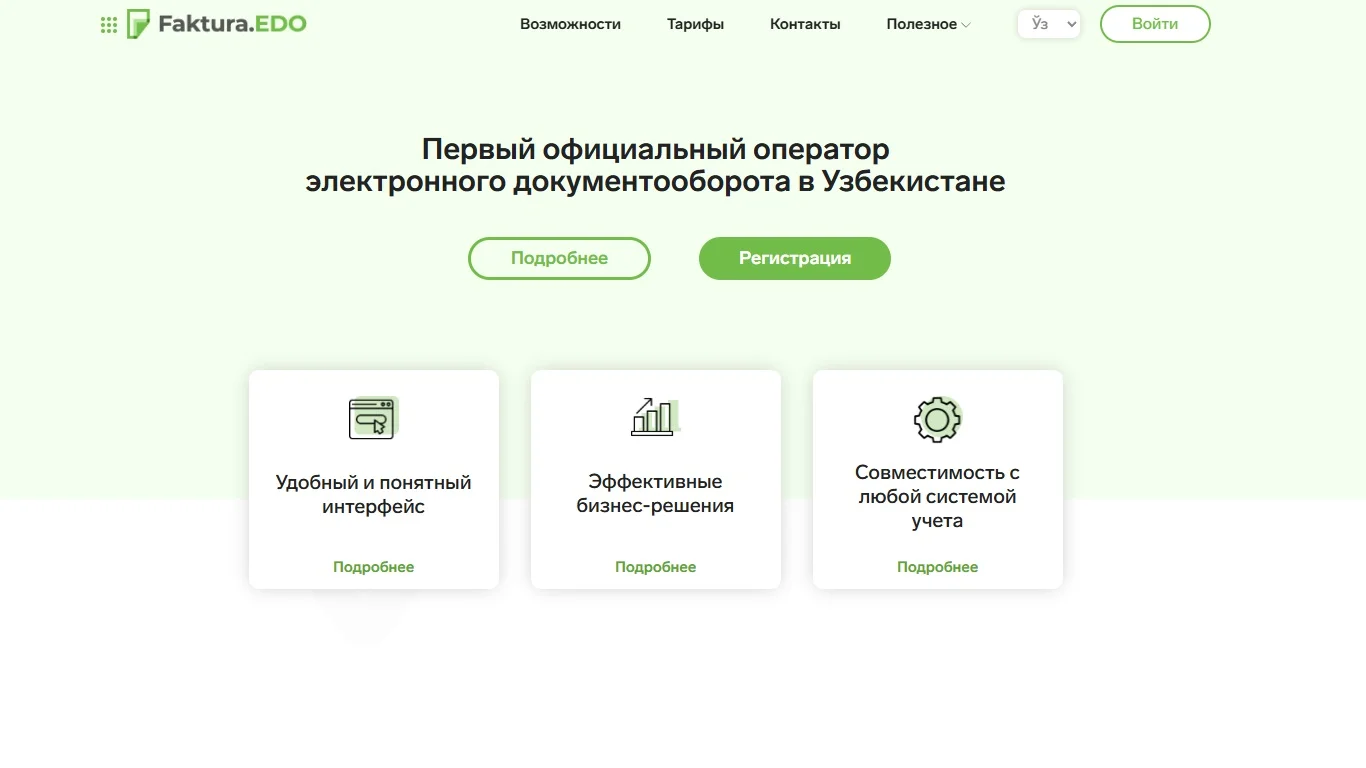
Invoice exchange with Faktura.uz
Import incoming Faktura.uz documents into CRM and send outgoing invoices. Process counterparties, contracts and document rows alongside each document.
Free
5.0
52
Screenshots
Description
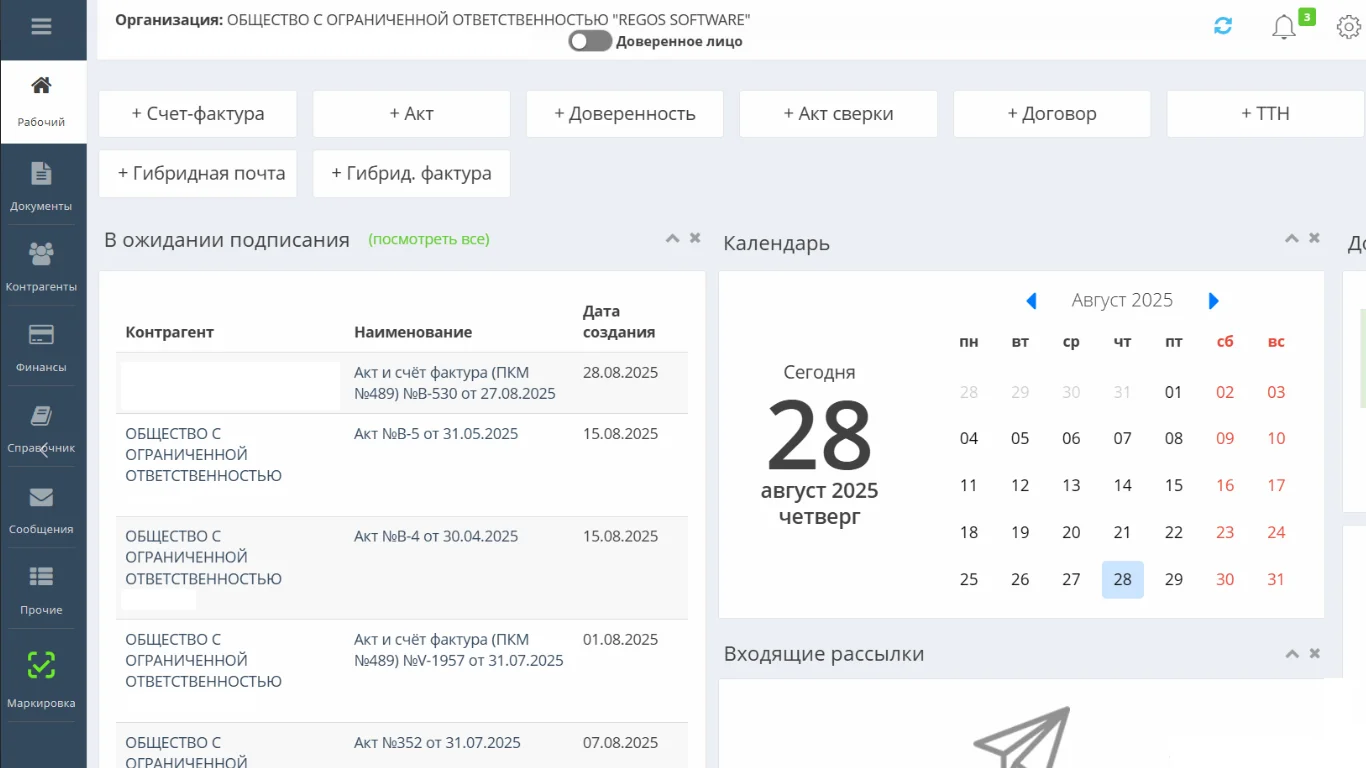
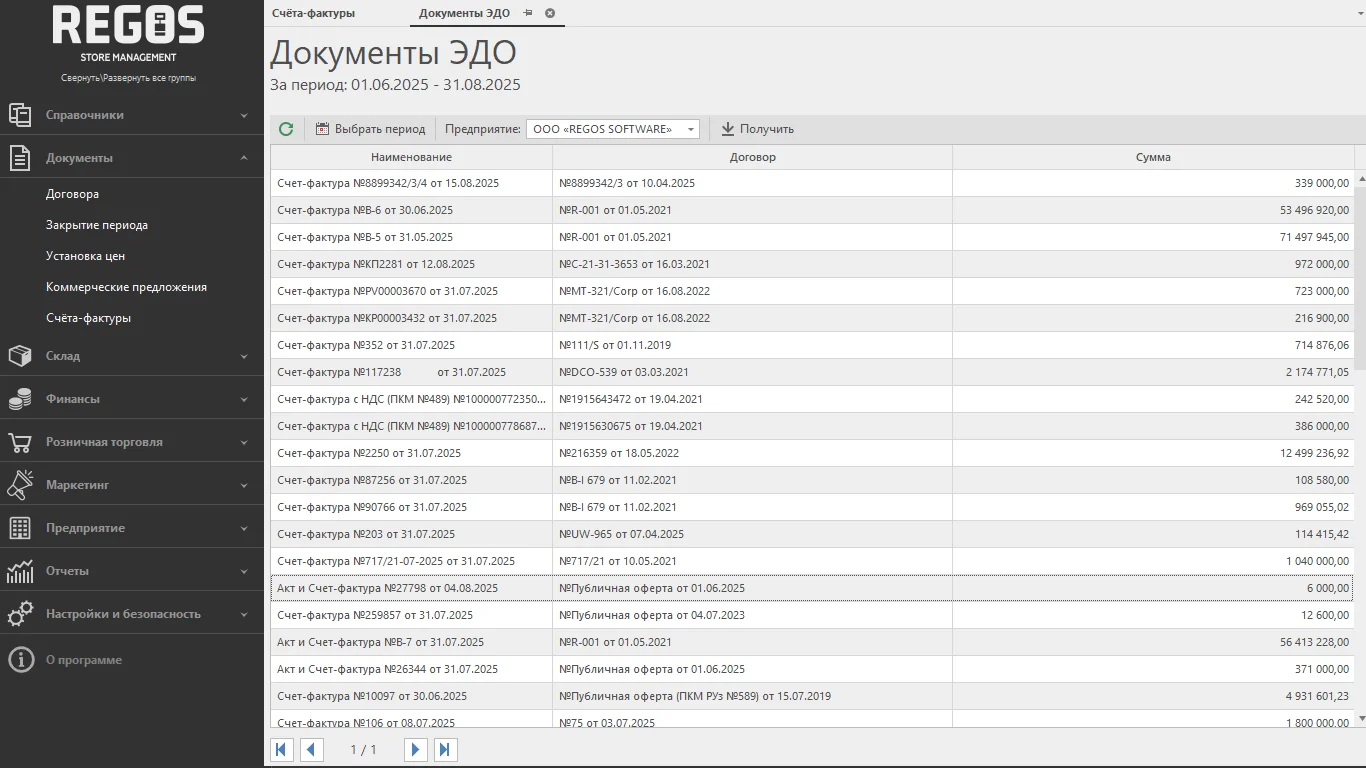
Work with Faktura.uz invoices and acts in CRM. Importing matches or creates counterparties, contracts and document rows. Outgoing invoices are sent from CRM to Faktura.uz, and processing status helps you check the result. An administrator supplies the connection credentials.
Quick setup
- Prepare a Faktura.uz account and enter the service credentials in the integration.
- Check the connection for the intended company.
- Load incoming documents, select one to import and check its rows in CRM.
- Send an outgoing invoice from CRM and check its processing status.
Ratings and Reviews
5.0
Reviews Count: 1