Email campaigns to REGOS clients from your mailbox
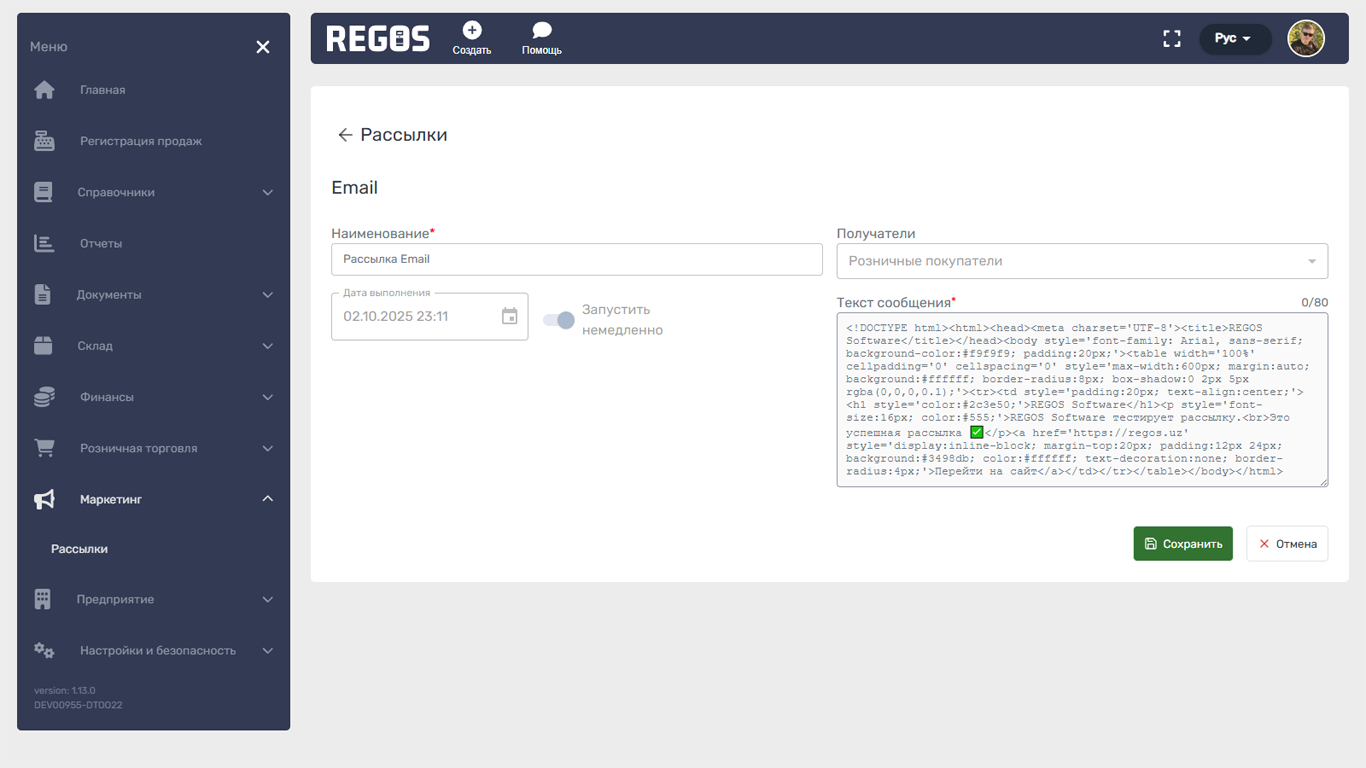
Send customer emails from REGOS through your own mailbox: promotions, news and reminders with your sender name.
Free
No ratings
7
Screenshots
Description
The integration sends mail through your provider’s SMTP service. It supports plain text, HTML, a sender name and a default subject. Sending availability and limits depend on the provider. Match its port and encryption settings: SSL mode uses TLS on connection; without SSL, the integration attempts STARTTLS.
Quick setup
- Obtain the SMTP host, port and encryption settings from your provider.
- Enter the sender address, username and password; use an app password if required.
- Configure SSL, sender name and default subject.
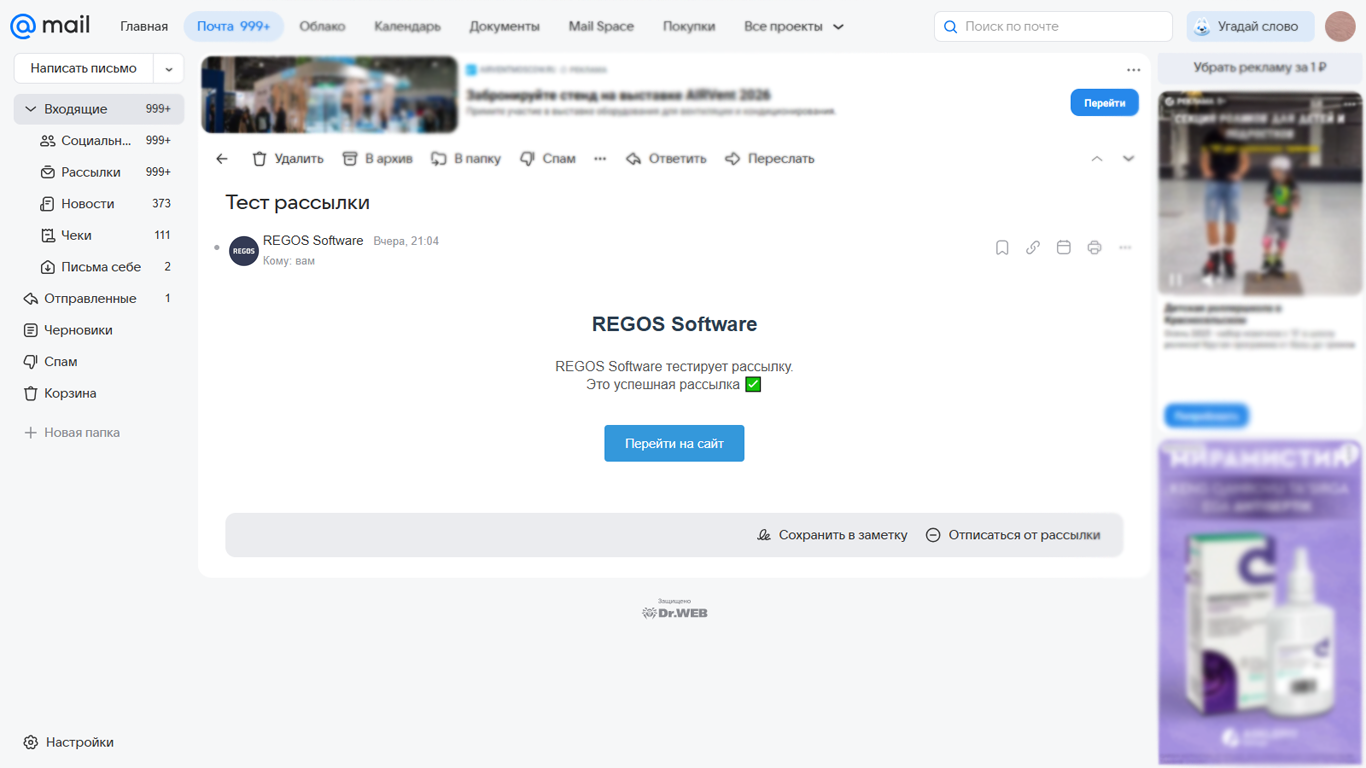
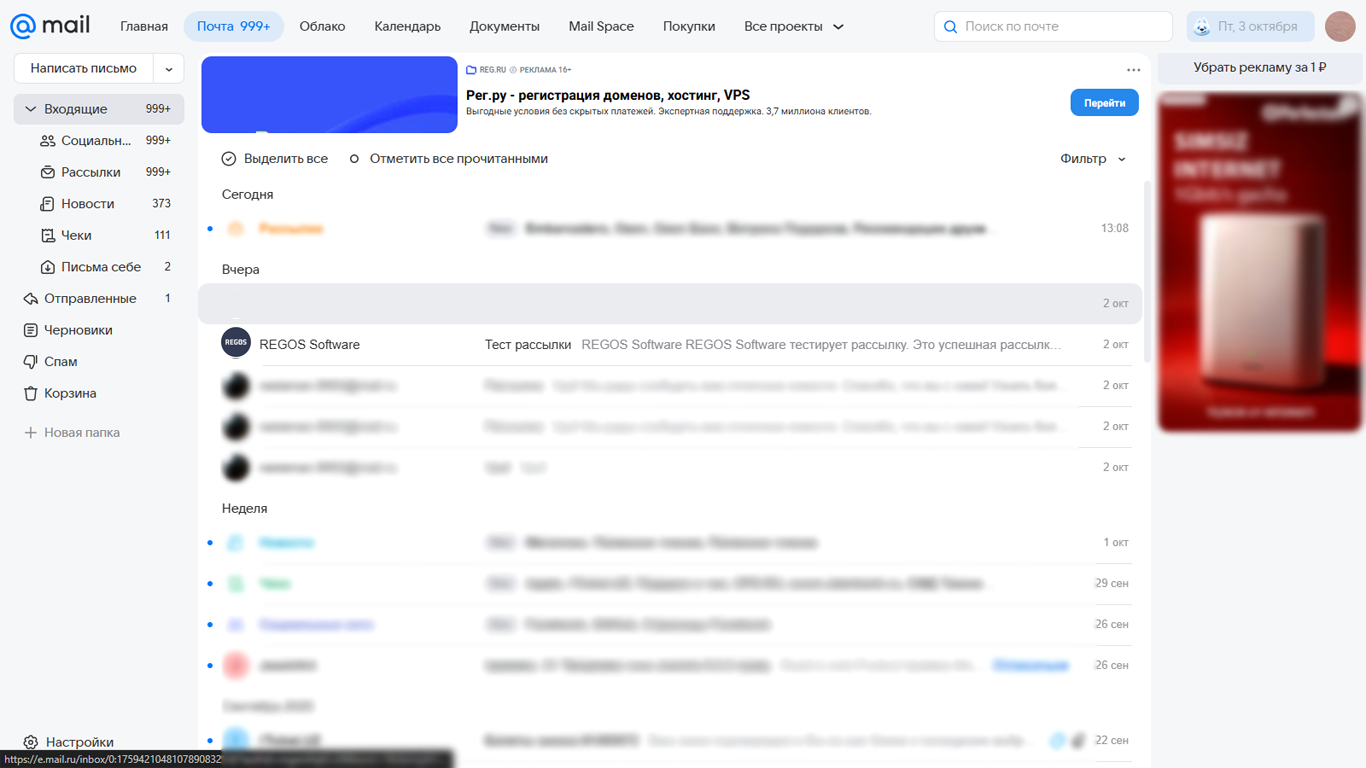
- Send a test email and confirm receipt before starting a campaign.
Ratings and Reviews
No reviews yet. Be the first to review!