Uzum Tezkor
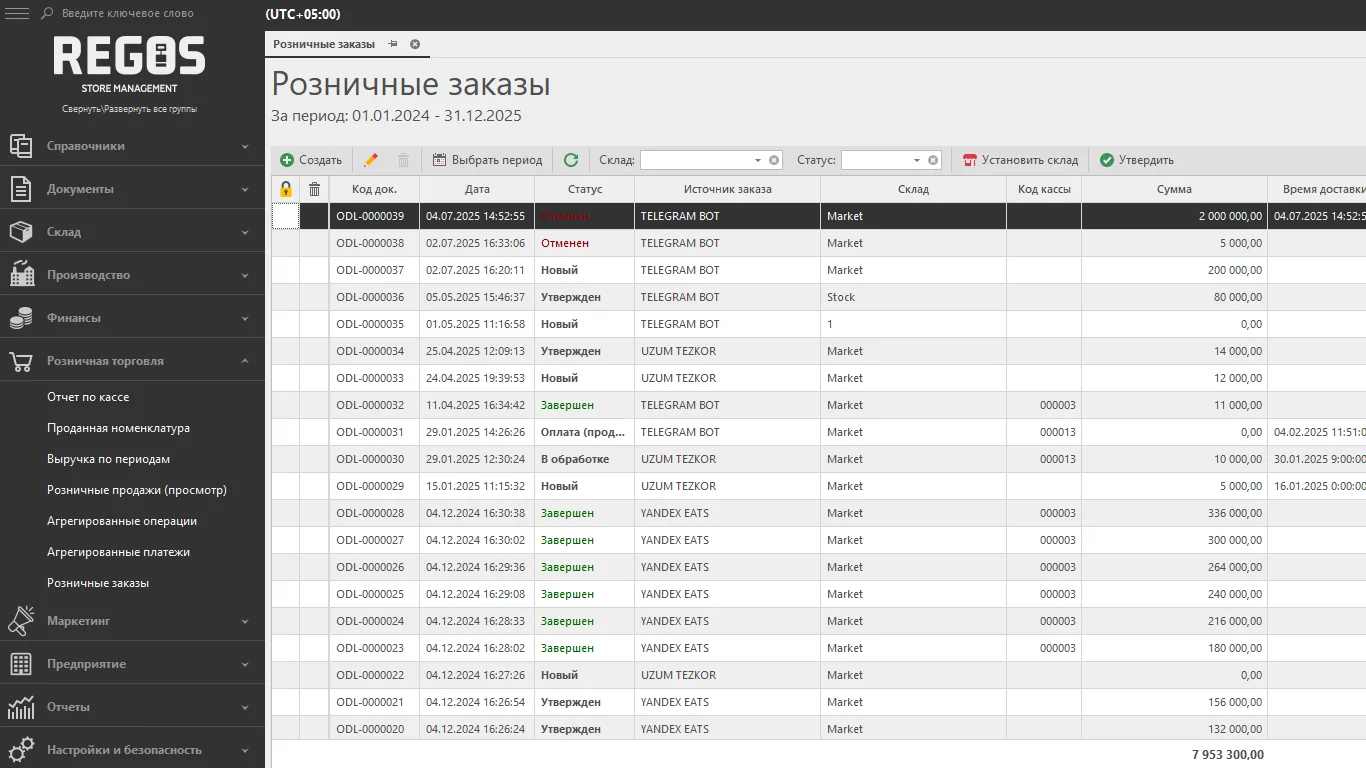
Receive Uzum Tezkor orders in REGOS and provide catalog, price and stock data for your delivery workflow.
Free
No ratings
41
Screenshots
Description
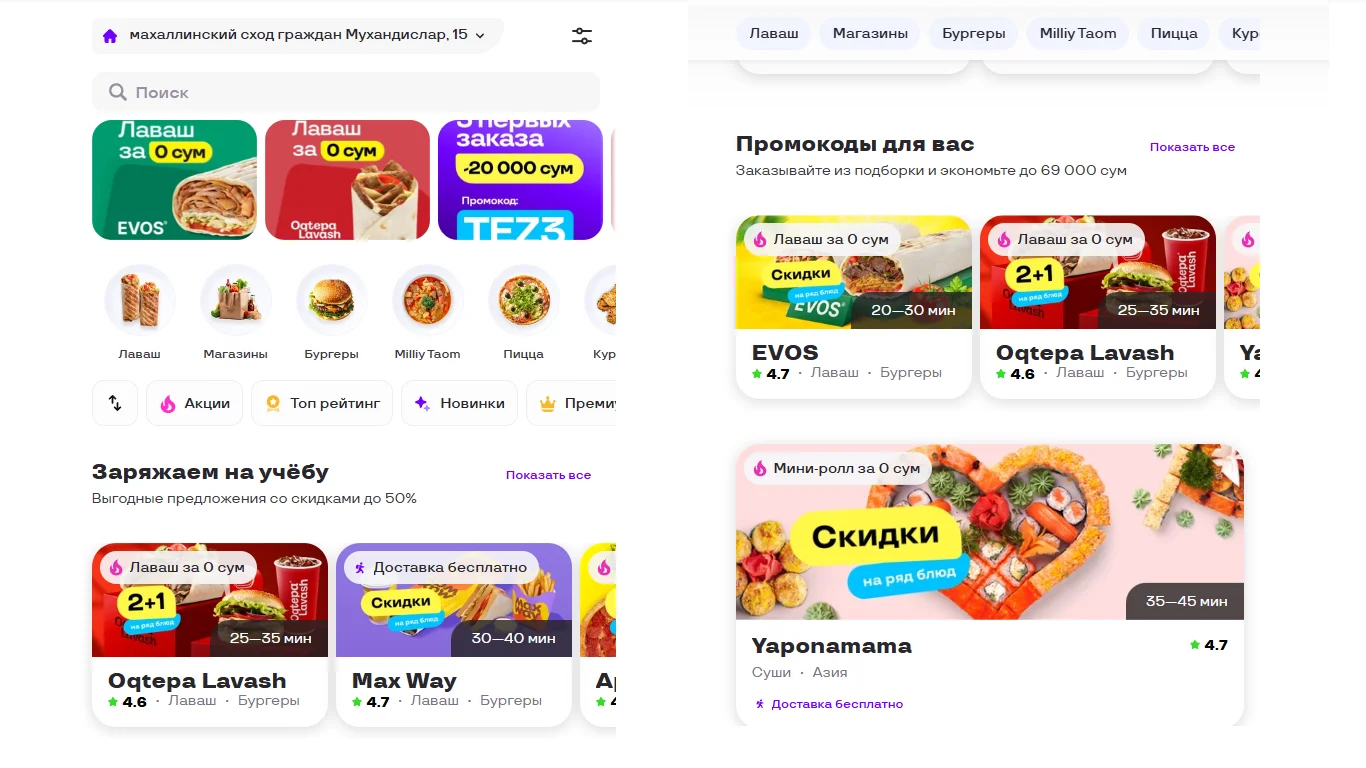
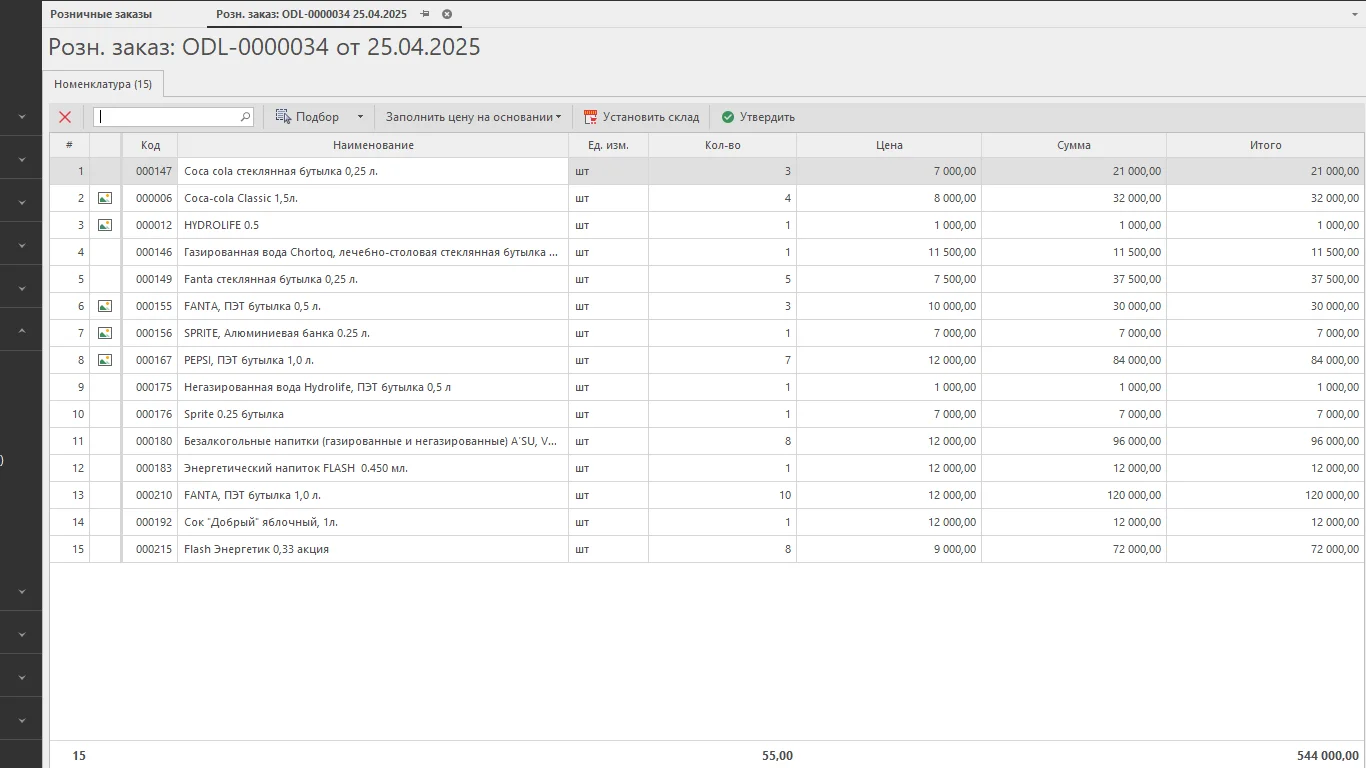
The integration connects Uzum Tezkor with REGOS: product data is available for exchange, and incoming orders are created in the system for your team to process. Settings define the price type, order source and delivery type. Coordinate connection details and store mapping with the delivery service.
Quick setup
- Obtain integration credentials and parameters from the delivery service.
- Enter access details and choose the price type, order source and delivery type.
- Coordinate the store connection and check catalog, prices and stock levels.
- Check that a test order arrives in REGOS and can be processed.
Ratings and Reviews
No reviews yet. Be the first to review!