legram Business account for CRM tickets

legram Business account for CRM tickets
The integration connects a real Telegram Business account to CRM: customers message the Telegram chat, operators reply from the case, and customers receive replies from the connected business account.
Free
0.0
33
Screenshots
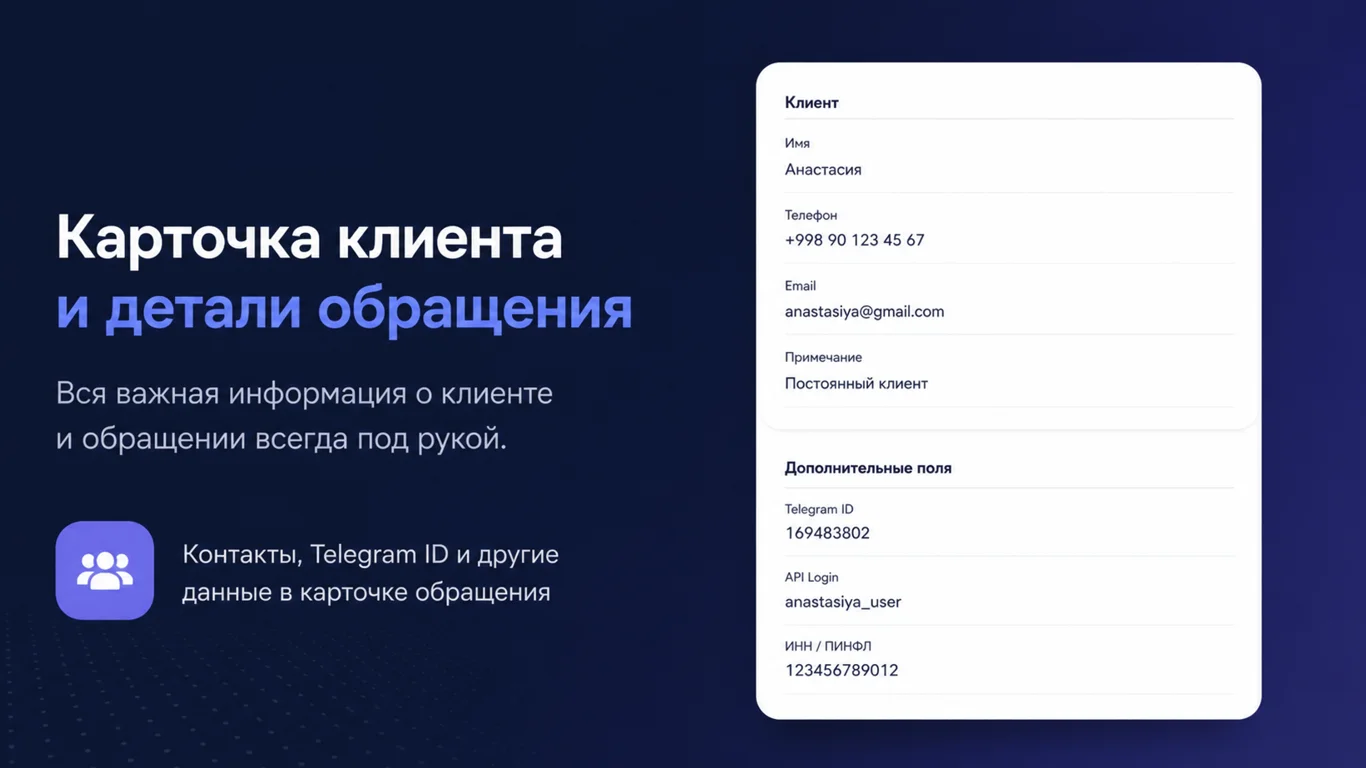
Description
The solution is for teams that need to support customers from a real Telegram Business account while operators stay inside CRM.
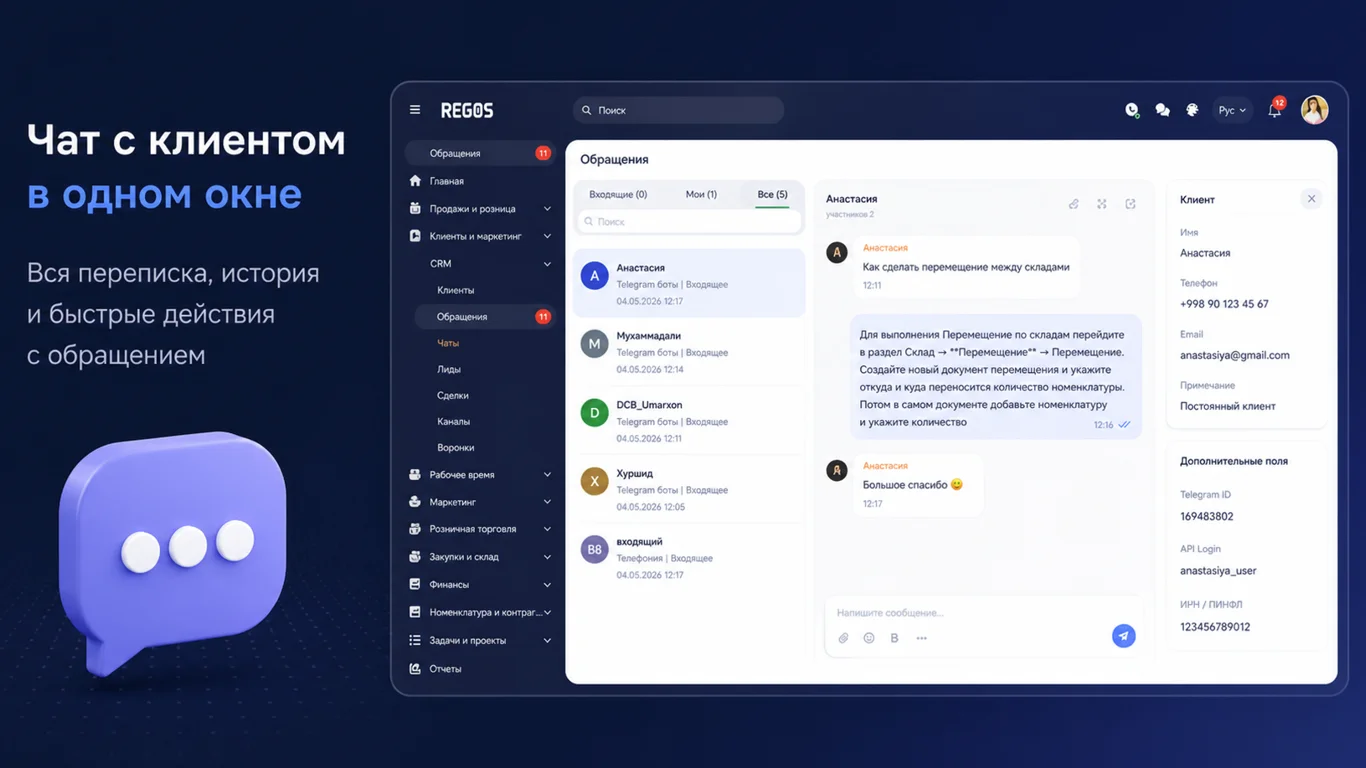
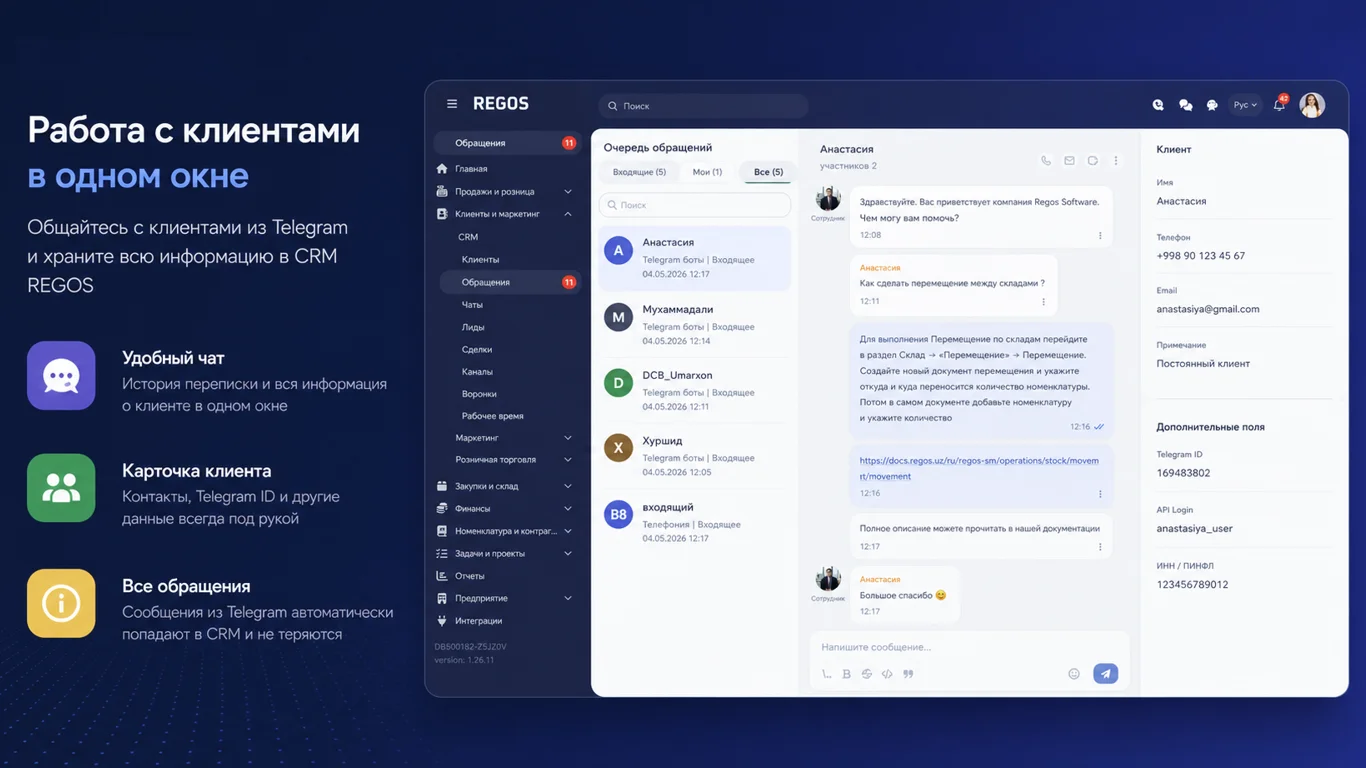
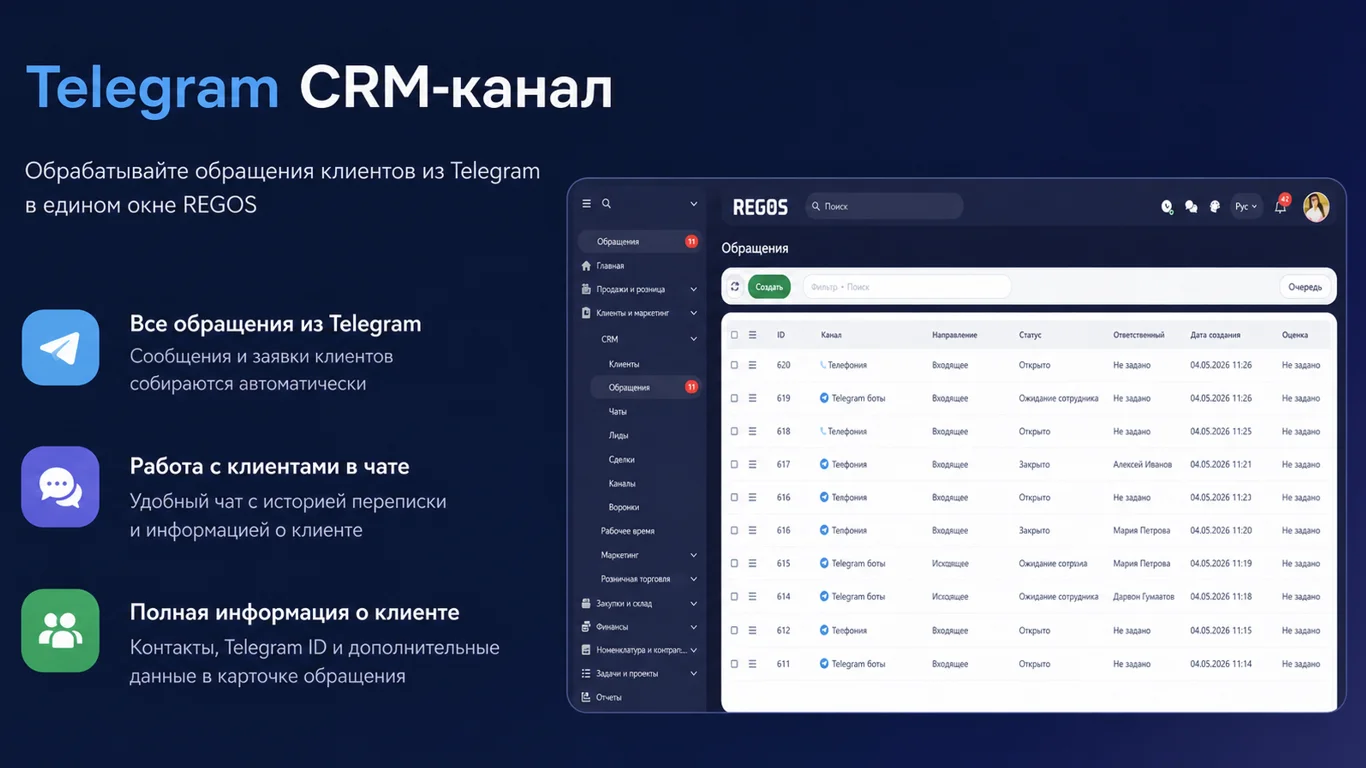
- Incoming Telegram Business messages automatically create the client, case, and chat in CRM.
- CRM replies are sent back to the same Telegram conversation from the connected business account.
- Message edits and deletions are synchronized with the case history.
- Closing a case can send a final message and a service rating request.
- The dialog route stores the Telegram Business connection id, so replies are not sent as regular bot messages.
-
Create a bot in Telegram using @BotFather with the
/newbotcommand. Save the issued bot token. - In BotFather, enable Business Mode for the bot.
-
Open your Telegram Business account:
Settings → Telegram Business → Chatbots. - Add the created bot as a connected bot.
-
Allow the bot to:
- read incoming messages;
- send replies;
- work with new chats and non-contacts.
- Connect and configure the integration in the CRM.
Ratings and Reviews
0.0
Reviews Count: 0
5
4
3
2
1
No reviews yet. Be the first to review!